Blog
Understanding shadcn Registry Blocks
Learn about registry:block and how to share complex multi-file components with pastecn.
If you've worked with shadcn/ui, you've probably installed components using types like registry:component or registry:hook. But there's another type that's less talked about: registry:block.
Blocks are designed for complex components that span multiple files. Think complete features, not just single components. And now, pastecn supports them.
What is registry:block?
According to the official shadcn registry schema, registry:block is used for "complex components with multiple files."
While a registry:component typically represents a single UI element, a block can include multiple components, hooks, utilities, types, and even styles — all packaged together as a cohesive unit.
Registry types explained
The shadcn registry supports several types, each serving a different purpose:
registry:uiSingle-file UI components and primitives. The simplest form.
registry:componentSimple components. Usually one file, straightforward implementation.
registry:hookReact hooks. Custom state management or side effects.
registry:libUtility functions and helpers. Pure logic, no UI.
registry:blockComplex components with multiple files. Combines components, hooks, utils, and types into a complete feature.
registry:pageFull page implementations or file-based routes.
registry:fileMiscellaneous files. Config files, types, anything else.
When to use blocks
Use registry:block when your component requires multiple related files to function as a complete unit.
Authentication forms
Login form component + validation hooks + auth utilities + type definitions.
Data tables
Table component + column definitions + filter hooks + sorting utilities + pagination logic.
Dashboard widgets
Chart component + data fetching hook + formatting utilities + TypeScript interfaces.
Form builders
Form components + validation schemas + field components + submission handlers.
pastecn now supports multiple files
Previously, pastecn only supported single-file pastes. You could share a component, a hook, or a utility — but only one file at a time.
Now, you can create registry:block pastes with multiple files. Upload an entire feature, complete with all its dependencies, and share it as a single registry URL.
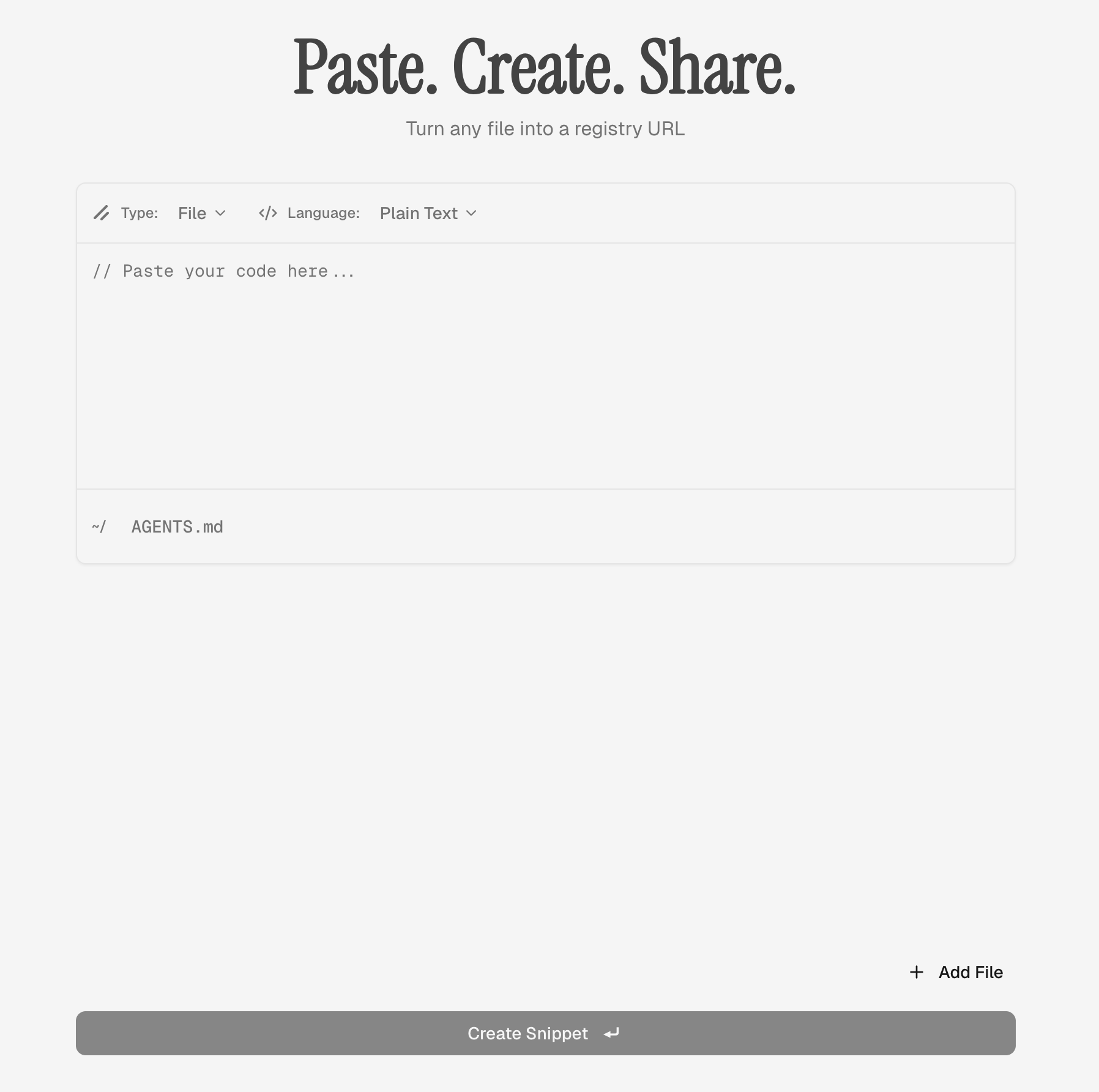
How it works in pastecn
Select registry:block as type
In the pastecn editor, choose block from the registry type dropdown instead of component, hook, or lib.
Add your files
Click "Add File" to include each file your block needs. Specify the path (e.g., components/ui/button.tsx) and paste the code for each file.
Create and share
Click Create. You'll get a single registry URL that includes all files. Anyone can install the entire block with one command.
Installing a block
From the recipient's perspective, installing a block is identical to installing a single-file component. The shadcn CLI handles everything:
The CLI will download all files defined in the block and place them in the correct locations within the project structure. If the block has dependencies on other registry items, those will be resolved automatically.
Real-world example
Let's say you built a custom command palette feature. It includes:
Instead of sharing eight separate files or bundling them into a zip, you create a single registry:block paste on pastecn. One URL, eight files, zero friction.
Why this matters
Before registry:block support, sharing complex components meant:
- —Creating a GitHub gist with multiple files
- —Zipping files and uploading to cloud storage
- —Writing installation instructions manually
- —Hoping the recipient doesn't miss a file
Now you paste, get a URL, and the shadcn CLI does the rest. The recipient gets everything in the right place, first try.
Start using blocks
If you've been building complex components and wishing there was a better way to share them, blocks are your answer. They let you package entire features into a single, installable unit without the overhead of maintaining a full registry.
Paste your files, share the URL, and let shadcn handle the rest.